Here's what it
actually does.
Whether you're just starting out or you've got thousands of files across multiple printers — here's how it helps.
Web Libraries
Browse your favorite STL sites right inside the app. Queue up multiple downloads while you browse and they'll import straight into your library — no more manually moving files out of your Downloads folder.
Read the guideAutomation Rules
Every creator packages their files their own way — support-state folders here, format prefixes and size suffixes there. Automation rules bring it all to one consistent shape: pick a preset or build your own, preview every rename before it happens, and run it at import or on files already in your library.
Read the guideFile Relationships
Link related files and folders together — alternate versions, supported and unsupported variants, parts that belong to the same model. Link one and the whole circle connects, so you can jump between related files without digging through folders.
Read the guideMultiple Library Folders
Spread your library across as many drives as you want. Add folders on other disks and they all show up as one library — move files between drives, keep big collections on a spare disk, no need to cram everything onto one volume.
Read the guideBuild Plate Workflow
Add models to your build plate right from the library. They get auto-arranged on the plate, you can drag things around if you want, see a 3D preview of the layout, and export the STL or 3MF file for your slicer.
Read the guideProjects
Build plates get a model printed. Projects carry it the rest of the way — group the plates for one piece of work, move each piece through support removal, priming, and painting, and keep photos and notes of the finished result next to the files. The statuses and stages are yours to rename.
Read the guideLibrary Smart Folders
You can still manage files in Explorer if you want. Move stuff around, delete files, paste in new STLs or zip archives — the app picks up every change. Zips get extracted, thumbnails get generated, everything stays in sync.
Read the guideBuild Plate Hot Folders
Each build plate gets its own folder. Drop your sliced files in there and they automatically attach to the build plate — layer count, exposure times, estimated print time, all parsed out for you.
Interactive 3D Previews
Actually see what your files look like without opening a slicer. Rotate, zoom, check it out from any angle. Build plate previews show all your models in position with color coding so you can tell them apart.
Read the guideAutomatic Thumbnails
We generate thumbnails for every STL file, and if creators include images with their files, we'll use those for the folder thumbnails by default.
Read the guideCloud Library
Easily see which files are local and which are in the cloud. Download on demand when you need something, and remove local copies to free up disk space. Everything syncs in the background — it only uploads what's changed, so you don't have to think about it.
Read the guideFile Sharing
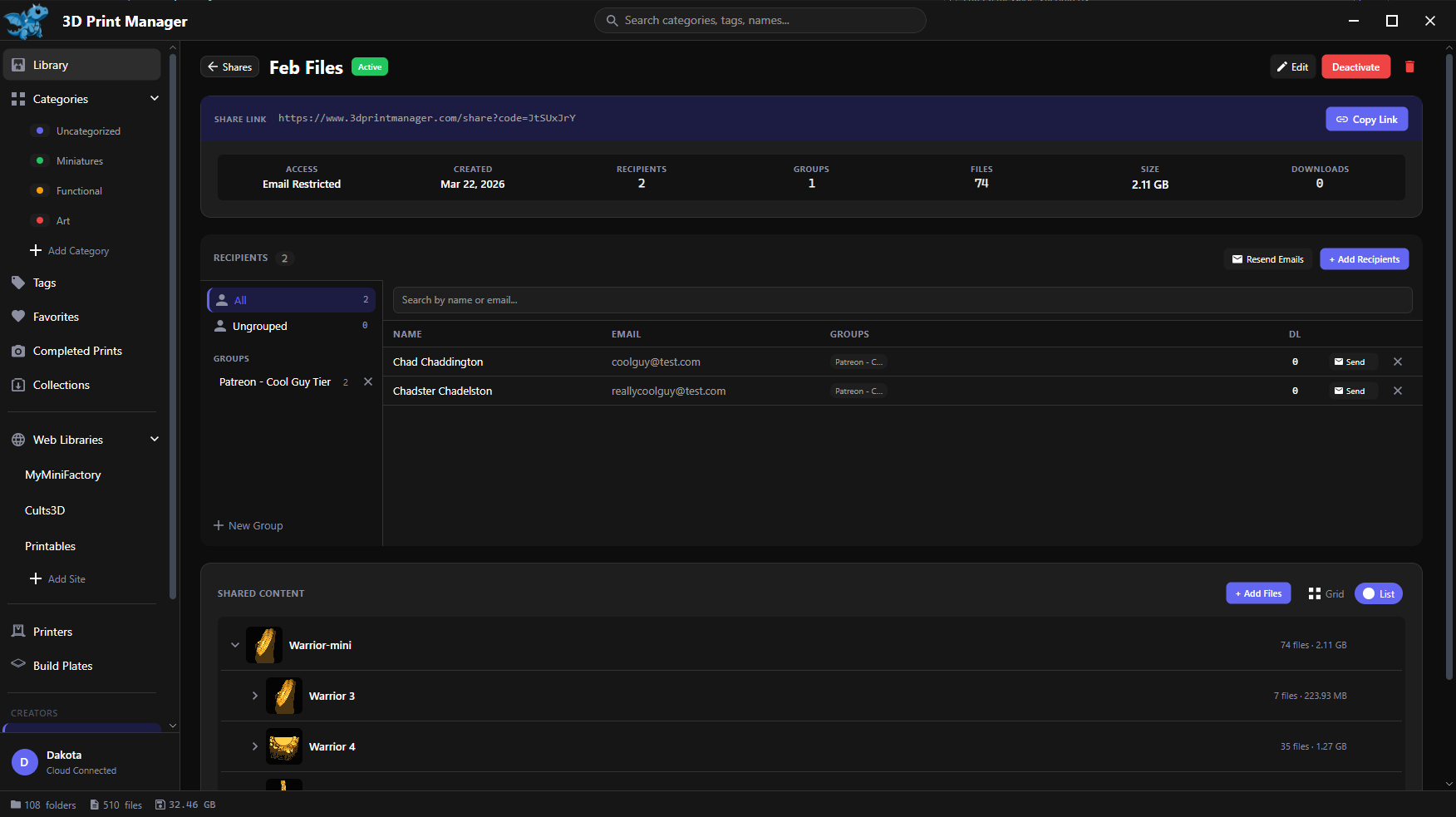
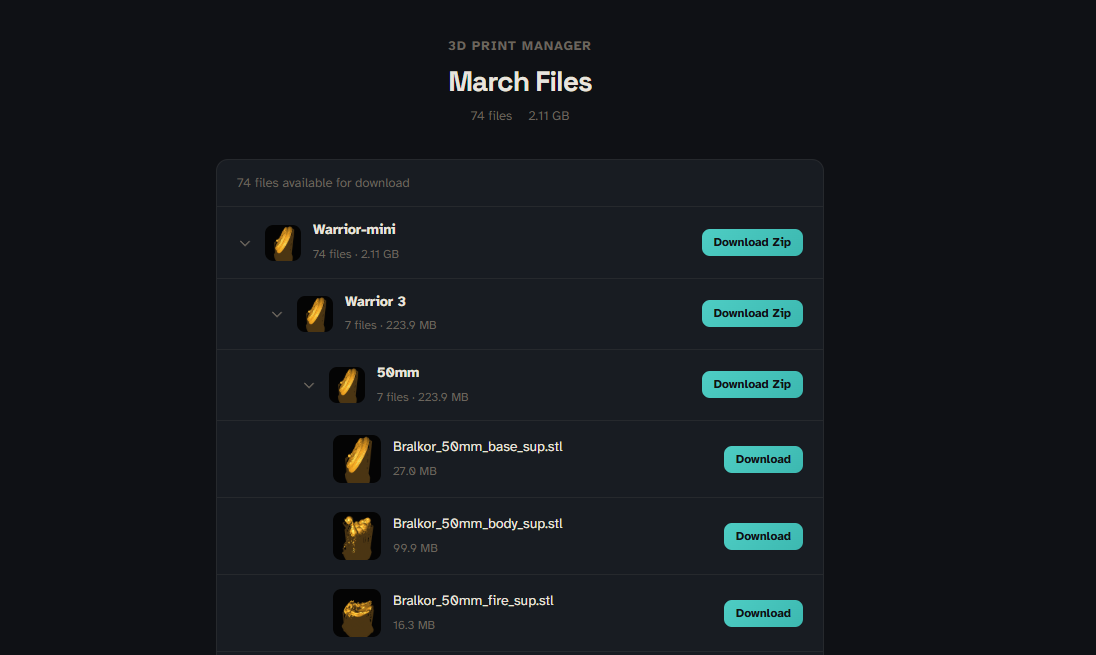
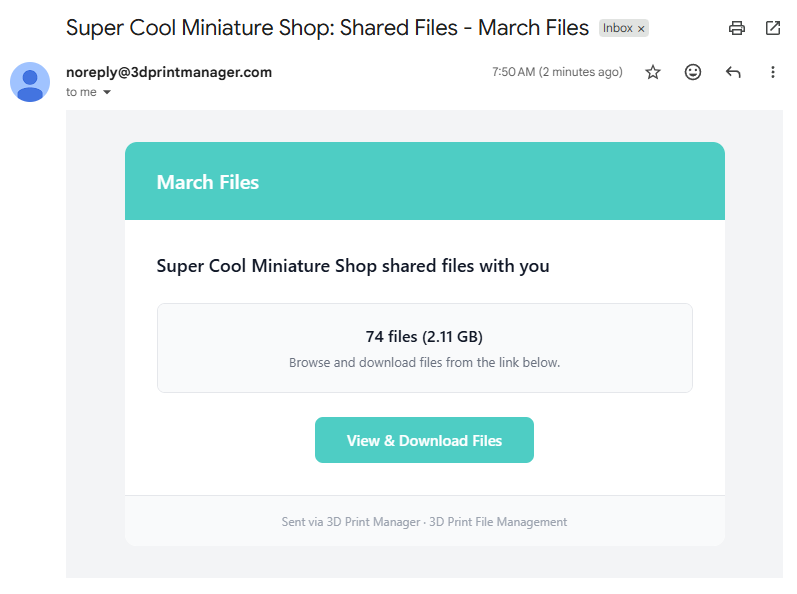
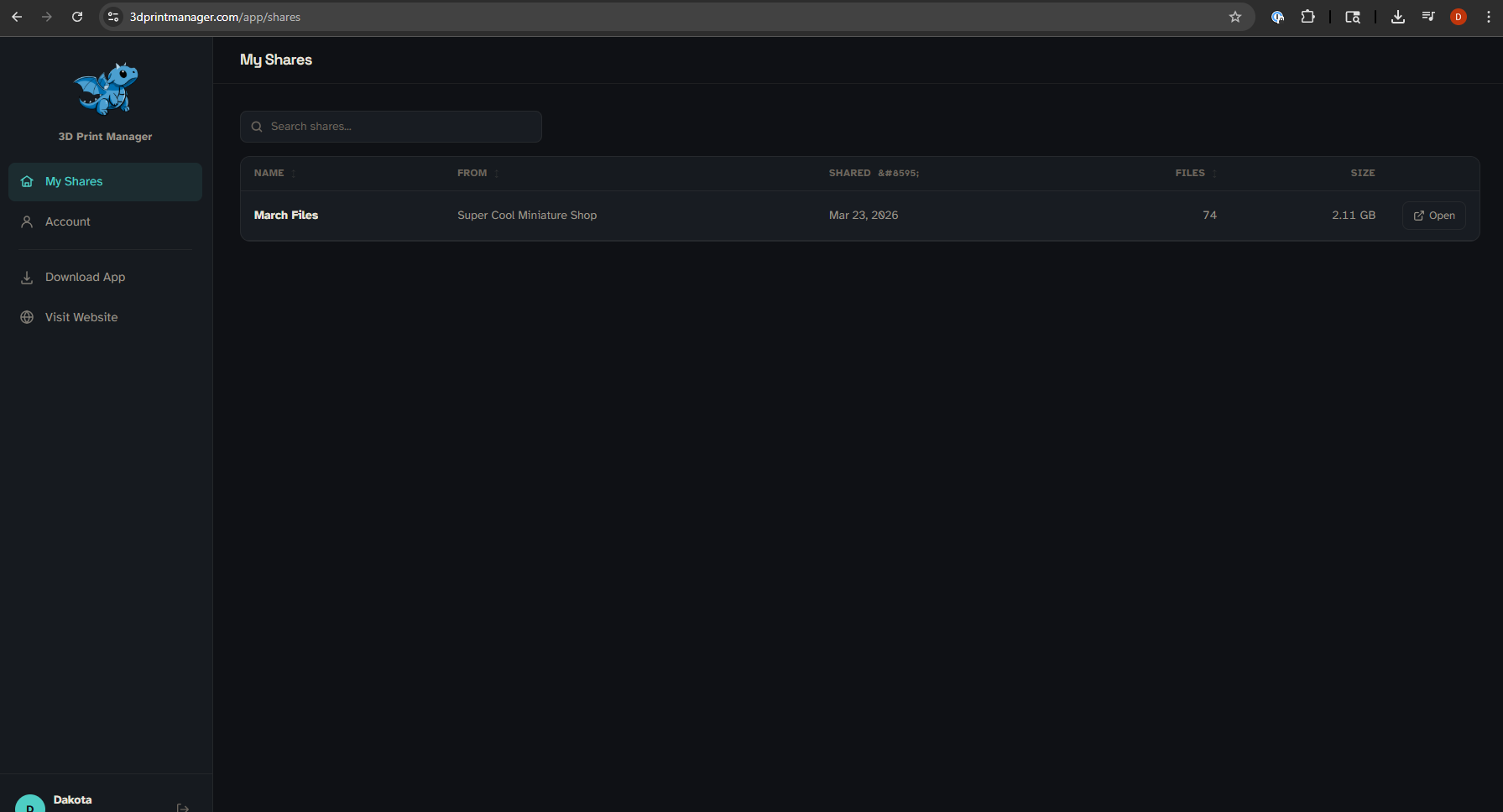
Send files to friends or customers with a link. Set expiration dates, restrict access by email, and track downloads. Share one file or an entire set.
Make It Yours
Set up your own workflow statuses, categories, and tags. Tweak import behavior, search behavior and organize things however makes sense to you.
Read the guideAnd there's more...
Stuff I keep adding because I keep needing it.
- Multiple Drives Attach multiple external or network drives to keep all your files organized across every storage location
- Categories & Tags Organize however you want — categories, tags, or both
- Collections Group files from anywhere in your library without duplicating them
- External Hot Folders Point it at any folder on your system and new files get imported automatically
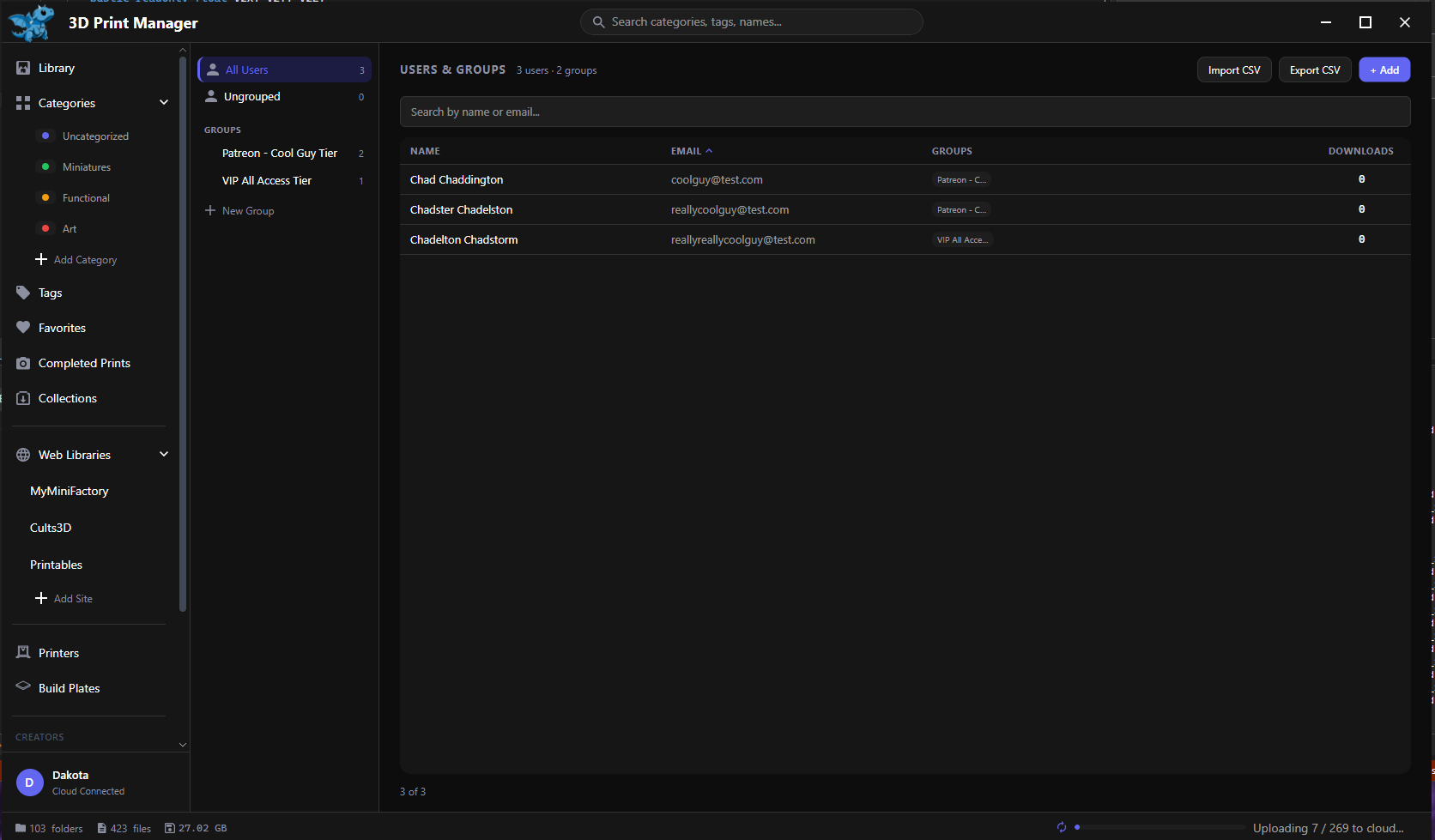
- Distribution Tracking If you sell or share files, track users, distribution lists, and downloads
- 172 Printer Templates Your printer is probably already in here with the right build volume
- Print Timers See how long your prints have been running at a glance
- File Relationships Build relationships between your files for easy grouping and navigation between related files
Want to try it out?
Watch the quick start video, then download and see how it feels. Free to start.