Cloud & Web
Web Library
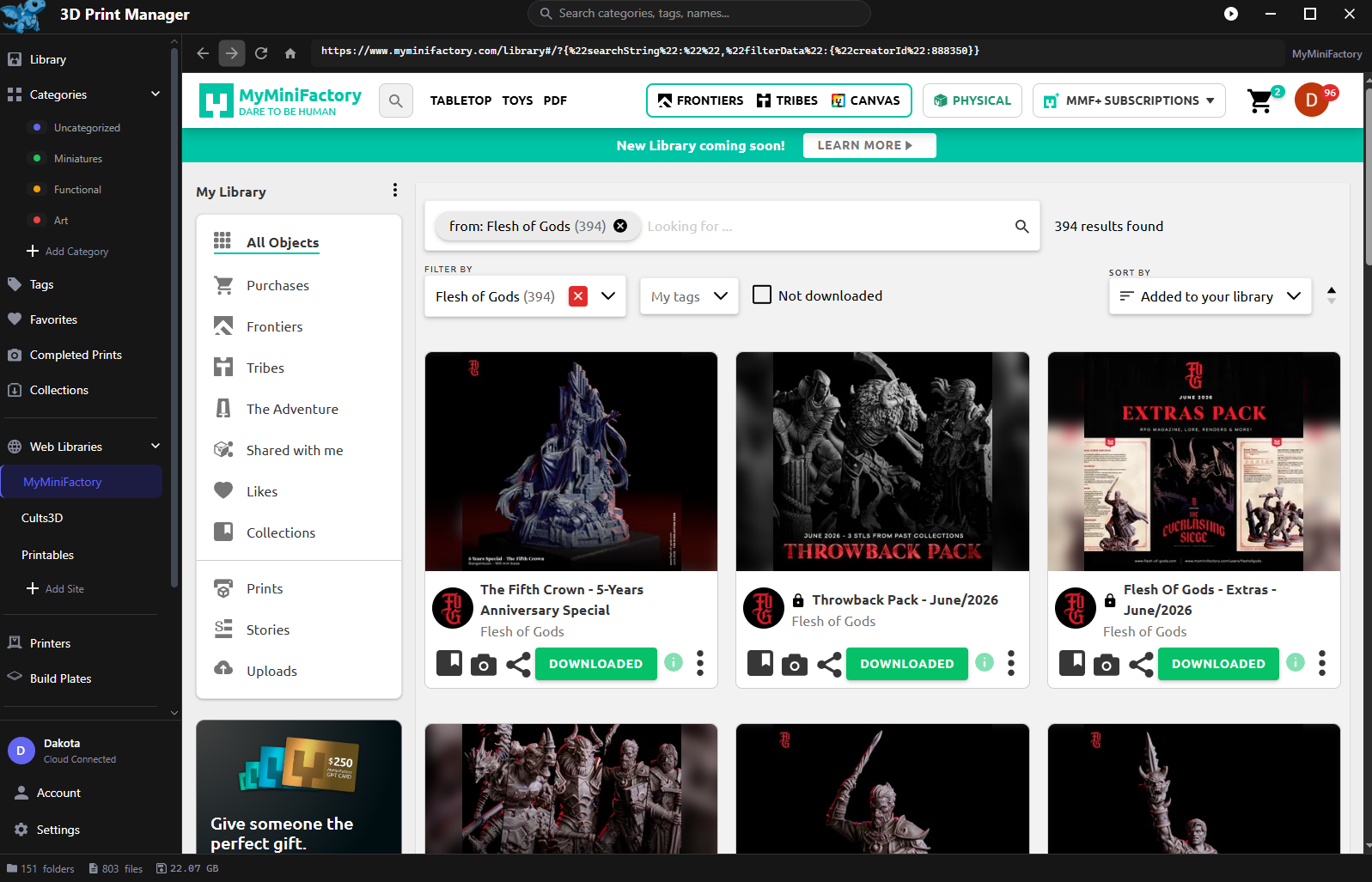
Browse model sites in-app and download straight into your library.
Updated
The Web Library is a built-in browser for your purchase libraries on model sites — download straight into your library instead of routing everything through your Downloads folder.
Built-in sites
Three come preconfigured, each landing on your library page as an example:
- MyMiniFactory
- Cults3D
- Printables
Sign in to each site inside the browser like you normally would — your logins are remembered between sessions.
Use another site? Add Site (in the sidebar, or Settings → + Add Site) takes a name and URL, and it joins the list.
Downloading
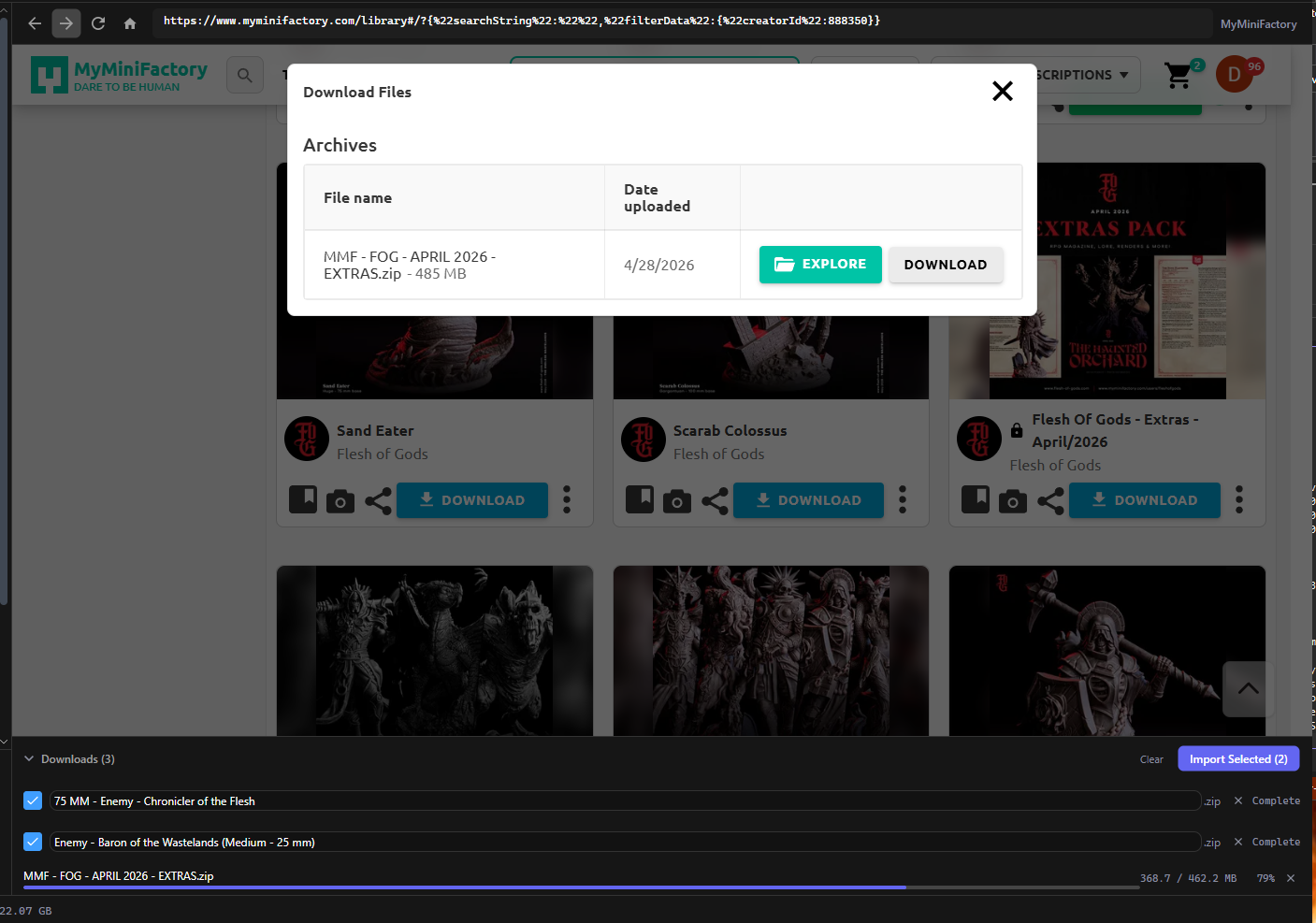
Click download on any model and the app intercepts it. The Downloads panel tracks every file with live progress; up to 4 download at once, and anything beyond that queues up and starts automatically as slots free.
When downloads finish, they’re pre-checked for import — hit Import Selected and they land in your library like any other import: organized, thumbnailed, and searchable. Clear Completed tidies the list.
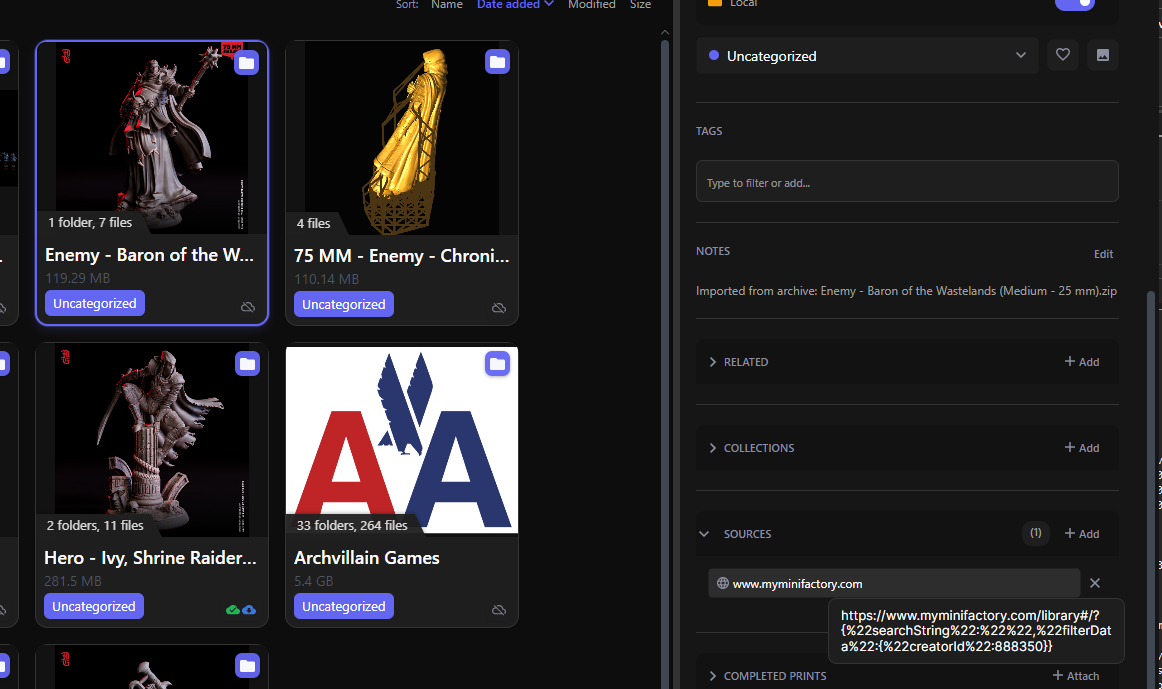
3D Print Manager will capture the source of the download and add it to the files sources in your library when you download from the library as well! So you can have some help finding where you downloaded stuff from originally.
Uploading from your library(pro)
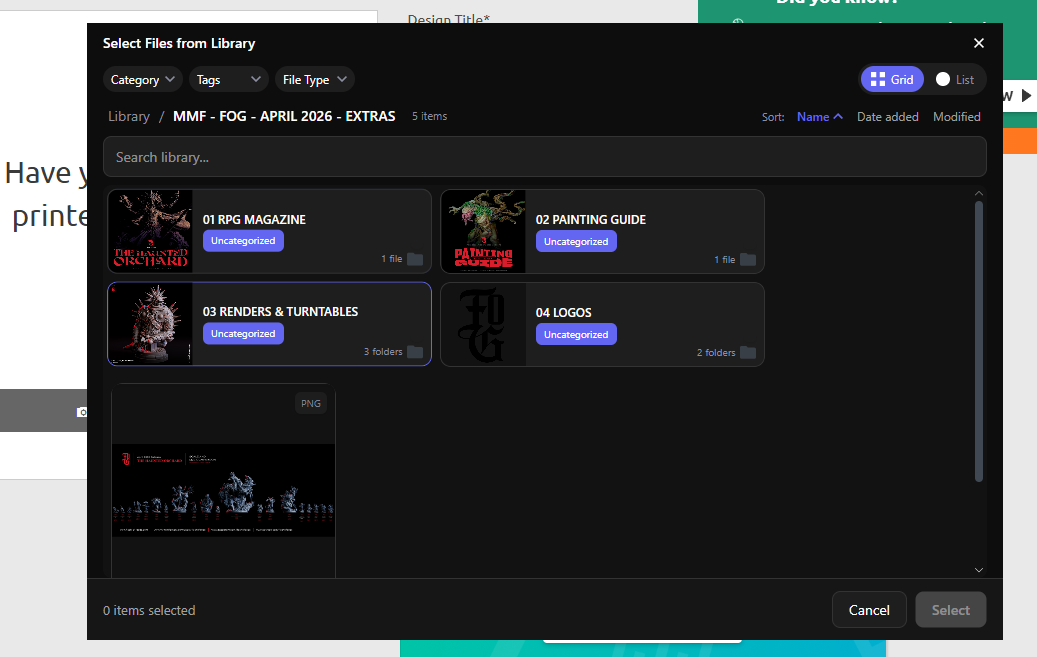
Some sites take file uploads — online slicers and print services, mostly. When a site asks for a file, the app opens a picker over your library so you can send a model without hunting for it on disk.
Tips
- Downloads of archives respect your Unarchive compressed files import setting — buy a bundle, get a browsable folder.